
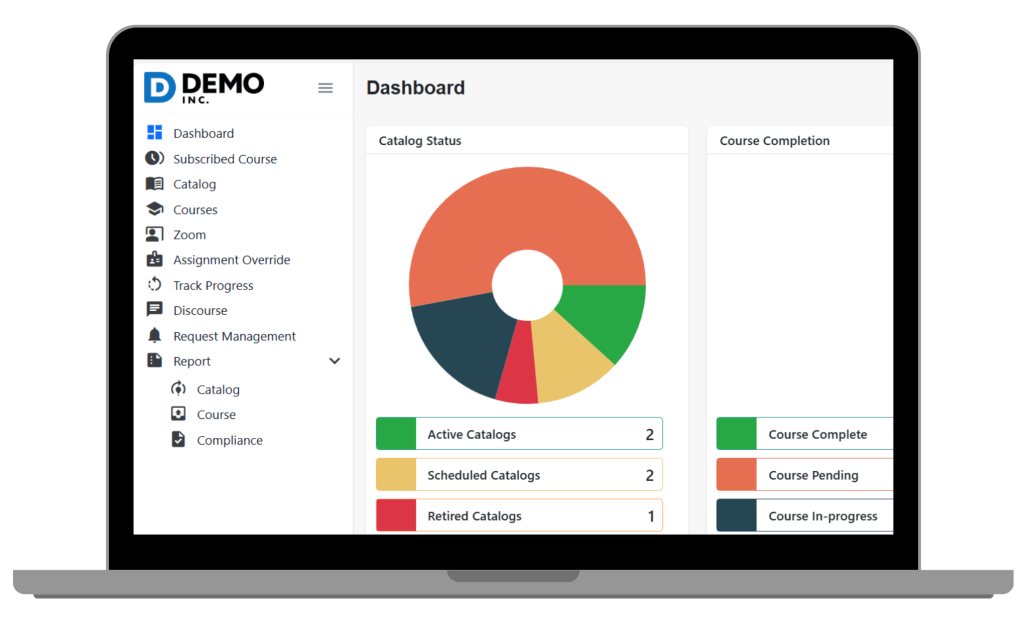
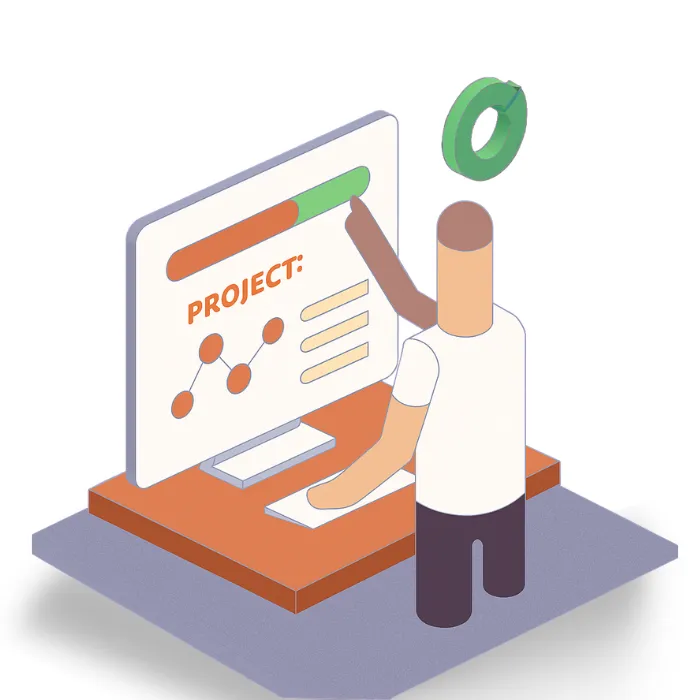

The administrator or instructor must enable completion of tracking for each course. This tracking can be topic-based (completion of all required modules/topics) or criteria-based (fulfillment of release conditions such as passing tests or submitting assignments).

Upload and combine common file formats (PDF, PPT/PPTX, Word, MP4, etc.) within your courses to create dynamic, mixed-media training experiences. This flexibility ensures your training remains both accessible and engaging.

Learners’ progress through courses is visually shown, often as a progress bar or percentage indicating how much of the course content they have completed.
Completion data is linked to compliance tracking. Administrators can generate transcripts or reports to verify which employees or learners have completed mandatory training.

Individual activities like quizzes or assignments can have completion criteria, such as submitting a file or achieving a minimum passing score. Completion of these can be required for overall course completion.

Typically, authorized users access the course completion status through a manager or admin dashboard in the LMS, where they can view detailed learner progress and completion records.

Authorized LMS admins or course managers access the learner’s quiz progress via the admin or catalog management dashboard.
Expanding a learner’s details will show the answers given in each quiz attempt, allowing review of specific question responses.
On the learner’s progress dashboard within a course, admins can view the learner’s quiz progress status (Not started, In progress, Completed, Failed), score percentage, and the number of points earned versus total available points for each quiz.
Admins can generate and export quiz performance reports for users enrolled in a course; these reports include scores, attempts count, pass/fail status, and quiz completion time.
The system tracks and displays the number of attempts a learner has made for each quiz, enabling admins to see if multiple retakes occurred.

Reports and progress dashboards provide ongoing insights into individual and group performance on quizzes.
All incident reports related to workplace safety, chemical handling, or compliance are documented and stored centrally within the platform.
Incidents can be linked with training data to identify if training gaps correlate with certain incident types, helping pinpoint root causes related to knowledge or behavior.
Incidents are categorized based on type, cause, location, chemical involved, or other relevant parameters. This categorization enables easy grouping of similar incidents.
By reviewing past incident reports with detailed information such as circumstances, contributing factors, and corrective actions, teams can discern common risk factors and incident precursors.
The LMS and its integrated systems provide dashboards and reports that summarize incident data over time, highlighting repeating patterns or recurring types of incidents.
Insights from incident trends feed into ongoing training updates, safety protocol improvements, and risk mitigation strategies to prevent future recurrences.

This feature provides intuitive, color-coded heatmaps that display employee training completion rates and test scores across different teams or departments. By visualizing performance trends, safety leaders can quickly identify who has met the training requirements and who may need additional support, enabling timely intervention before compliance deadlines.

This reporting highlights patterns where employees tend to disengage or fail within specific courses. Identifying training modules with high drop-off or fail rates allows safety managers to investigate potential content issues, improve learner engagement, and adjust training strategies to increase overall effectiveness.

These summaries aggregate, and present employee preparedness data broken down by geographic site or facility. Decision-makers can assess training status and safety readiness across multiple locations at a glance, ensuring targeted resource allocation and consistent safety standards companywide.
By correlating training outcomes and safety risks with job roles, these visual indicators provide an immediate overview of functions that may present higher safety risks due to incomplete or inadequate training. This enables proactive risk mitigation by focusing on targeted upskilling or refresher courses for vulnerable job categories.