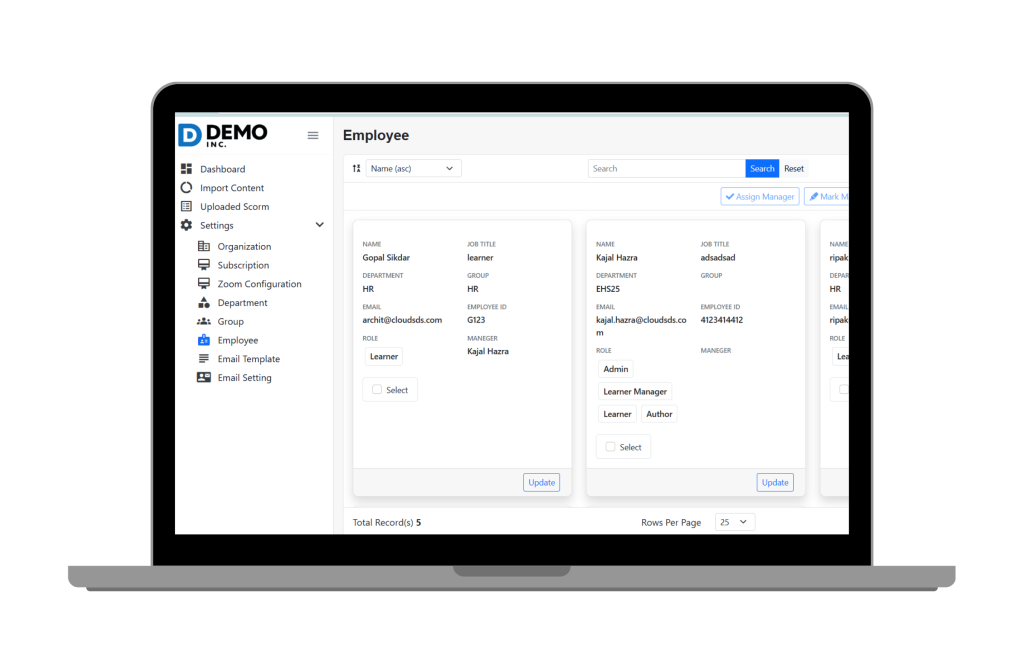
Grant permissions by job function (Admin, Manager, Employee, Auditor) so that users can only view the information that is applicable to their role.
Employees view their training dashboard, transcripts, reminders, and reminders about overdue items—without drowning in administrative information.
Safeguard sensitive training, safety, and incident information with enterprise-class security measures.
Auditors can be given controlled, read-only access to records of completion, transcripts, and compliance reports.
Provide visibility to leaders into team performance, past-due training, and compliance readiness.

Have access to training at any time and place through secure web and mobile interfaces, making employees complain even out of the job.
It ensures sensitive data such as user information, assessment results, and proprietary training materials are protected. Role-based access and strong security measures like multi-factor authentication (MFA) help prevent unauthorized access to sensitive content, maintaining data confidentiality and integrity within the LMS environment.

The Access feature enables managers to have clear visibility into who accessed what training and when, facilitating oversight and accountability. Controlled access also means managers can track compliance progress and intervene efficiently when gaps arise.
By managing access systematically, it becomes easier to produce audit trails showing user access and activity. Role-based permissions and secure access logs help streamline reporting during compliance audits and reduce the risk of non-compliance penalties.

The feature simplifies user experience by granting each employee appropriate access levels without overwhelming them with unnecessary content. Clear, role-specific access prevents confusion, ensuring employees only see relevant courses and resources aligned with their responsibilities.